Table of Contents
ToggleVirtual reality tools have transformed how people work, learn, and play. These tools include headsets, controllers, software platforms, and development kits that create immersive digital environments. Whether someone wants to build VR applications or simply enjoy virtual experiences, choosing the right virtual reality tools matters. This guide covers the essential hardware and software options available today. It also explains how to select the best VR tools based on specific goals and budgets.
Key Takeaways
- Virtual reality tools include both hardware (headsets, controllers, sensors) and software (game engines, development platforms) that create immersive digital experiences.
- Standalone headsets like Meta Quest 3 offer affordable, easy-to-use VR without a PC, while PC-connected headsets deliver the highest visual quality.
- Unity and Unreal Engine are the leading development platforms for building VR applications, with Unity being more beginner-friendly and Unreal excelling at photorealistic graphics.
- When choosing virtual reality tools, assess your purpose, budget, and technical ability—gamers prioritize hardware quality while developers need robust software platforms.
- Entry-level VR starts around $300, mid-range options cost $500–800, and high-end PC VR systems can exceed $2,000 including the computer.
- Select virtual reality tools with active communities and strong documentation to ensure ongoing support and easier troubleshooting.
What Are Virtual Reality Tools?
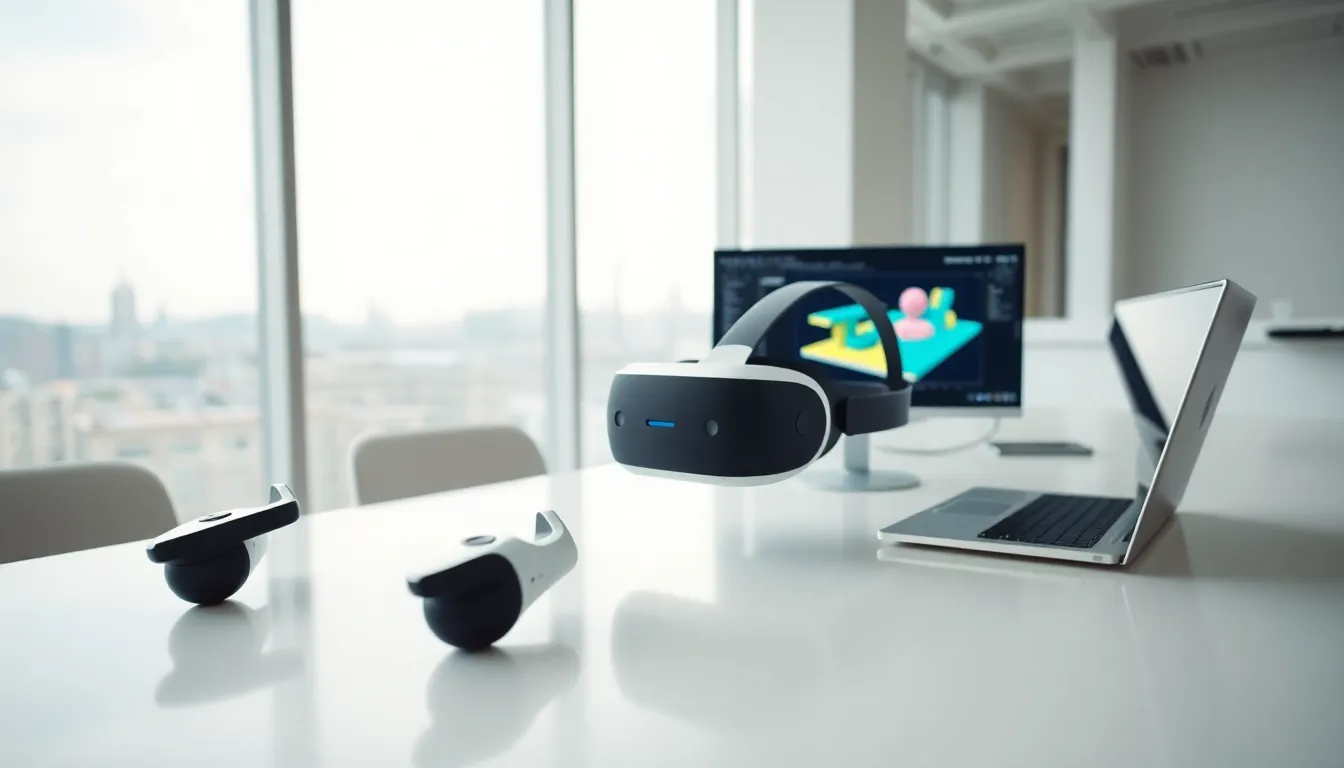
Virtual reality tools are the hardware and software systems that create and deliver immersive digital experiences. These tools trick the brain into believing users exist inside a computer-generated environment. They do this through visual displays, spatial audio, and motion tracking.
VR tools fall into two main categories. Hardware includes headsets, controllers, sensors, and tracking systems. Software covers applications, game engines, and development platforms that build virtual environments.
Modern virtual reality tools track head movements in real time. They adjust the display accordingly, which creates a sense of presence. Some systems also track hand movements and body positions. This tracking allows users to interact with virtual objects naturally.
The quality of virtual reality tools directly affects immersion. Higher refresh rates reduce motion sickness. Better resolution displays create sharper images. More accurate tracking systems produce smoother interactions.
Businesses use virtual reality tools for training simulations, product design, and remote collaboration. Consumers use them for gaming, entertainment, and social experiences. Medical professionals use VR tools for surgical training and patient therapy. The applications continue to expand as technology improves.
Popular VR Hardware Options
The VR hardware market offers options at every price point. Each device has different strengths and trade-offs.
Standalone Headsets
Meta Quest 3 leads the standalone category. It runs VR experiences without a PC or external sensors. The device costs around $500 and offers mixed reality features. Users can see their real environment while virtual objects appear overlaid.
The Quest 3 uses inside-out tracking. Cameras on the headset detect room boundaries and hand positions. This design makes setup simple. Users can play VR games anywhere with enough open space.
PC-Connected Headsets
PC VR headsets deliver the highest visual quality. They connect to gaming computers that handle graphics processing. The Valve Index remains a top choice for enthusiasts. It offers 120Hz refresh rates and precise finger tracking controllers.
HP Reverb G2 provides excellent resolution at a lower price than the Index. It works well for flight simulators and seated experiences. The headset requires a capable PC with a modern graphics card.
Console VR
PlayStation VR2 connects to the PlayStation 5. It features eye tracking and haptic feedback in the headset. The PSVR2 offers a strong library of exclusive games. Sony’s system provides premium VR at a lower cost than high-end PC setups.
Controllers and Accessories
Virtual reality tools extend beyond headsets. Hand controllers enable interaction with virtual environments. Some users add haptic vests, treadmills, or gloves for deeper immersion. These accessories increase presence but also increase costs significantly.
Essential VR Software and Development Platforms
Software brings VR hardware to life. The right virtual reality tools for development depend on project scope and technical skill.
Game Engines
Unity dominates VR development. The engine supports all major headsets and offers extensive documentation. Many developers learn Unity first because of its large community and tutorial resources. Unity handles everything from simple apps to complex games.
Unreal Engine excels at photorealistic graphics. Epic Games provides Unreal free for learning and small projects. The engine powers many AAA VR titles. Unreal requires more technical knowledge than Unity but delivers stunning visual results.
VR-Specific Platforms
Meta offers the Meta XR SDK for Quest development. This toolkit includes hand tracking, spatial anchors, and social features. Developers building for Quest devices need this SDK.
SteamVR provides an open platform for PC VR applications. It supports multiple headset brands through a unified interface. Steam distributes most PC VR content through its marketplace.
3D Creation Tools
Blender creates 3D models and animations for VR environments. The software is free and open-source. Many VR developers use Blender for asset creation before importing into game engines.
Substance Painter adds realistic textures to 3D models. Adobe owns this tool and offers subscriptions. Professional VR studios rely on Substance for material creation.
No-Code Options
Some virtual reality tools require no programming. Platforms like ShapesXR let users build VR experiences through visual interfaces. These tools work well for prototypes and simple applications. They limit customization compared to full game engines.
Choosing the Right VR Tools for Your Needs
Selecting virtual reality tools requires honest assessment of goals, budget, and technical ability.
Define Your Purpose
Gamers need different virtual reality tools than developers. Someone who wants to play existing VR games should focus on hardware quality and game library. A developer building custom applications needs software tools and possibly lower-end test hardware.
Businesses should consider deployment scale. A single training station has different requirements than a facility with fifty headsets. Enterprise VR tools often include device management and analytics features.
Set a Realistic Budget
Entry-level VR starts around $300 with older Quest models. Mid-range options cost $500-800. High-end PC VR systems can exceed $2,000 when including the computer.
Development tools vary widely in cost. Unity and Unreal offer free tiers. Professional licenses and plugins add expenses. Budget for learning time as well, VR development has a steep learning curve.
Consider Technical Requirements
Standalone headsets need minimal technical setup. PC VR requires compatible computers with strong graphics cards. Check specifications before purchasing any virtual reality tools.
Development platforms have their own requirements. Unity runs on modest hardware for development. Unreal Engine needs more powerful machines, especially for realistic lighting.
Evaluate Ecosystem and Support
Meta’s ecosystem offers the largest VR user base. SteamVR provides more hardware flexibility. PlayStation VR2 has exclusive games but limited platform options.
Choose virtual reality tools with active communities. Forums, tutorials, and documentation help solve problems. Abandoned platforms leave users without support when issues arise.